Getting started
A doorway to your writing desk.
Create your account, confirm your email, and return whenever you are ready to write.
Step 01
Create your account.
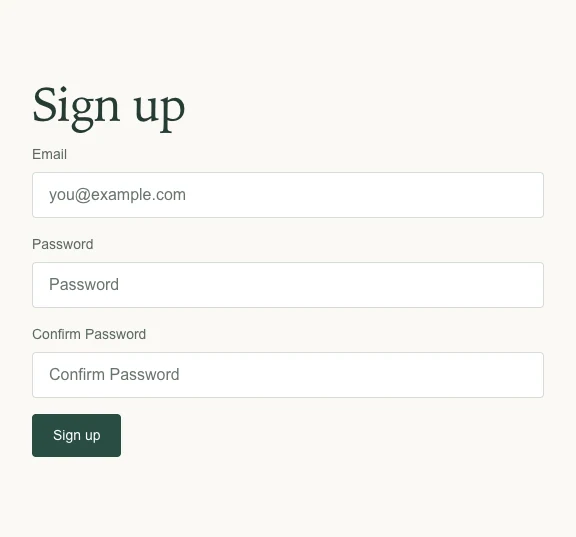
Enter your email and choose a password. Type it again in the confirmation field, then choose Sign up.
If you are joining a group, use the email address your editor is expecting.
Step 02
Confirm your email.
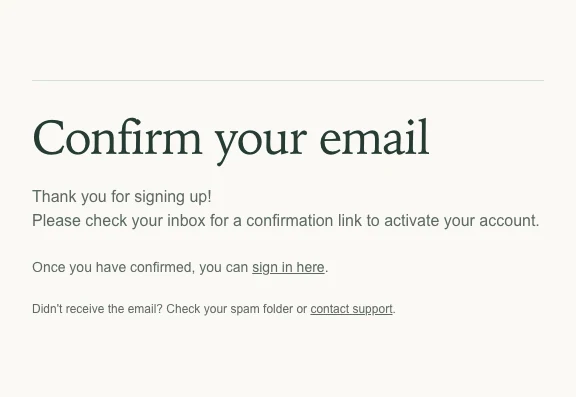
Open the confirmation email and follow its link. Check your spam folder if it does not arrive.
Confirmation activates your account; it does not submit any writing.
Step 03
Come back to your studio.
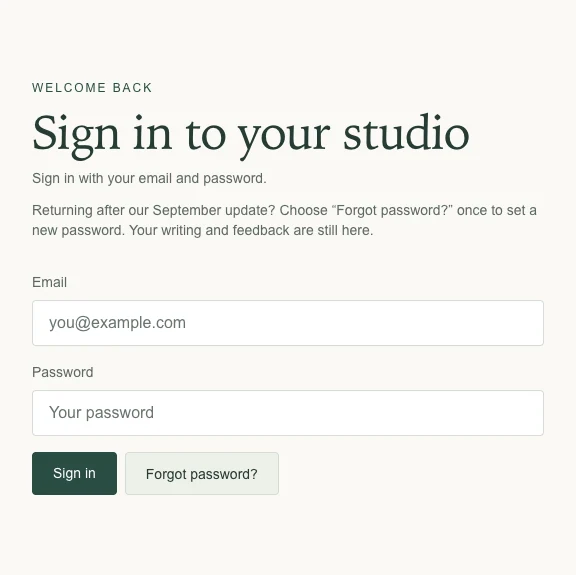
Sign in with the same email and password. If you forget your password, choose Forgot password? and follow the reset email.
Returning after the September update? Use Forgot password? once to set your new password. Your existing writing and feedback remain attached to your account.
When you are ready
Next: submit a draft →