Submitting
Give your draft room to be read.
Bring one piece, add its title, and send it for a close read when you are ready.
Step 01
Write, then check the details.
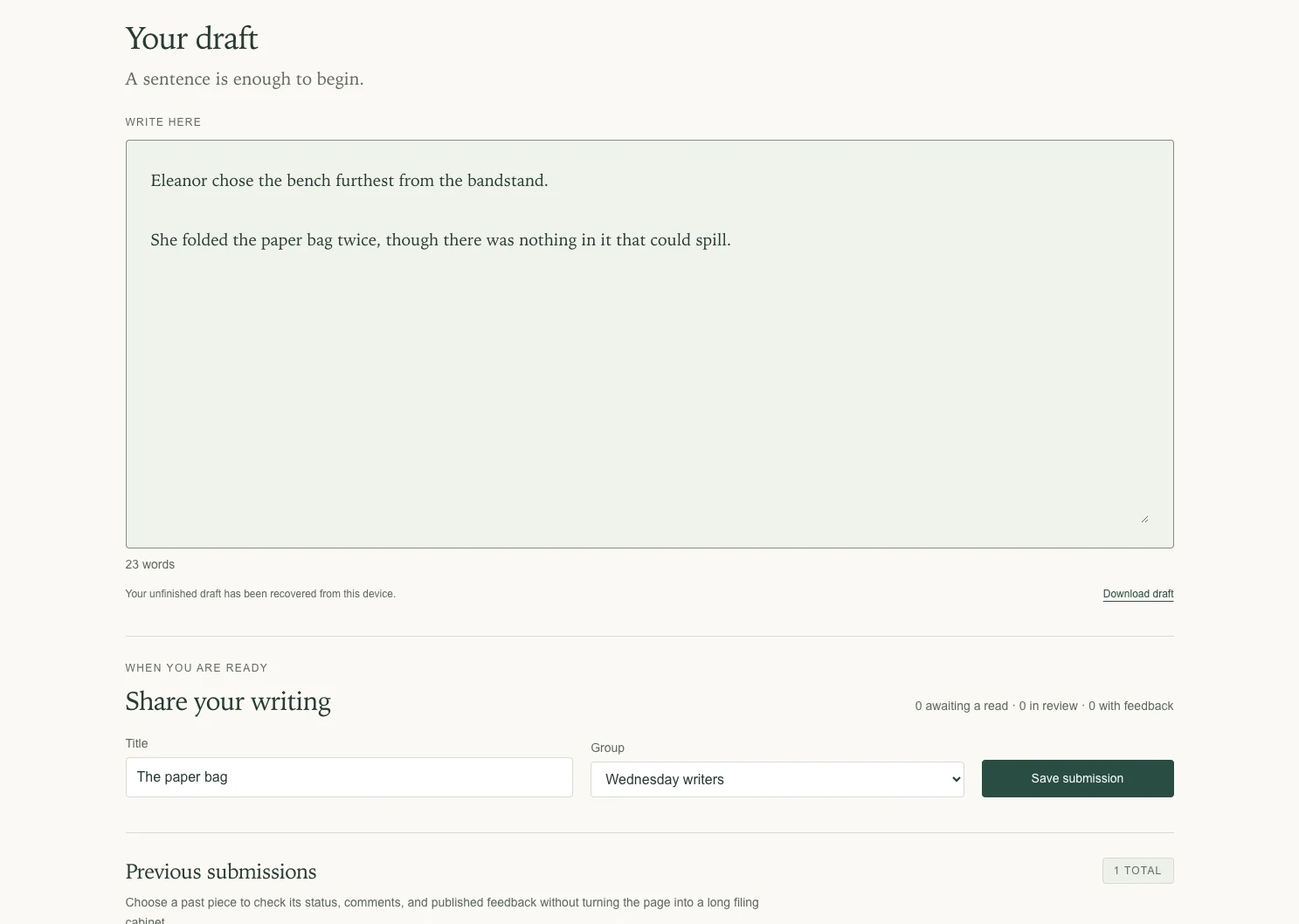
Choose Start writing on your writing page. Type or paste your draft into the manuscript area, then add a title and choose your group.
Your paragraph breaks stay with the text. The word counter helps you check the length before you submit.
Step 02
Save the submission.
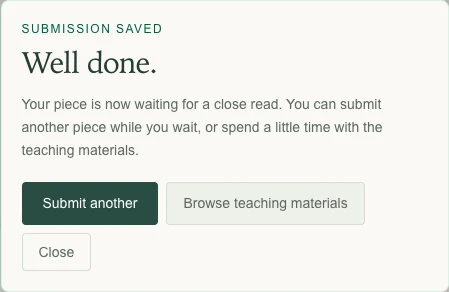
Choose Save submission and wait for the confirmation. Your piece is then in the review queue.
A recovery copy on this device is different from a submitted piece. Look for the submission confirmation before leaving; Download draft also gives you a copy to keep.
When you are ready
Next: read feedback →